


Share This Article
Imagine a world where your devices not only respond to your commands but also anticipate your needs-welcome to the era of AI-powered interactions! In the ever-changing landscape of technology, embedding AI into everyday objects transforms how we engage with our gadgets. A prime example of this innovation is the introduction of ChatGPT Search Shortcuts on iPhones. This exciting feature, part of the broader integration of OpenAI’s ChatGPT into the Apple ecosystem, promises to enhance the user experience by providing quick and efficient AI-driven search capabilities. Let’s explore how this will benefit iPhone users and change their daily relationships with their devices.
What is ChatGPT search?
It’s called Search, and it operates on the web by utilizing the real-time capabilities of OpenAI’s ChatGPT. Unlike traditional search engines, it combines natural language processing through ChatGPT with internet resources to provide comprehensive answers. This service aims to deliver more detailed and nuanced responses rather than simply relying on keyword matching to address complex questions posed by users.
How to Use ChatGPT Search Shortcuts
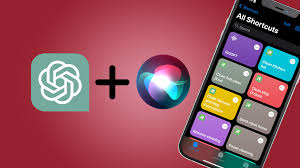
With the latest iOS version of the ChatGPT app, people can directly create shortcuts on their iPhones that open the search feature of ChatGPT. The Apple Shortcuts app allows for creating shortcuts on literally anything.
